Install just hours before your trip and activate during your flight or when you arrive at your destination.


 eSim
on iPhone
eSim
on iPhone
Install just hours before your trip and activate during your flight or when you arrive at your destination.

Select direct link click for a simple, hassle-free installation.
Select “Install with QR Code” if you have the code on another device to scan.
Select the type of installation you wish to perform
Find the email where we sent you the Android activation code when you made the purchase. If you have not received your code, please contact us.
Press “Connections” and enter the “SIM card manager”. Now press “Add eSIM” to start the installation process.
Select “Scan QR from service provider”, and press “Enter activation code”. Follow the steps that your device displays.
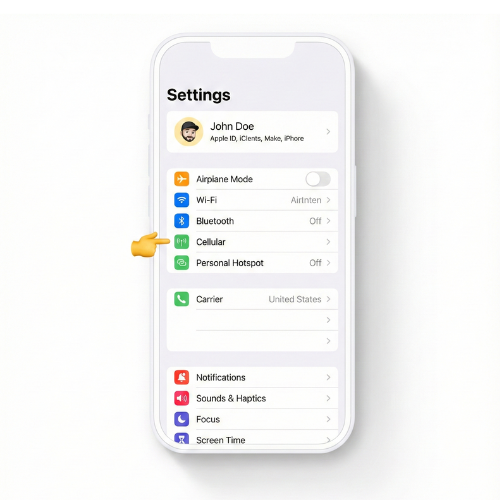
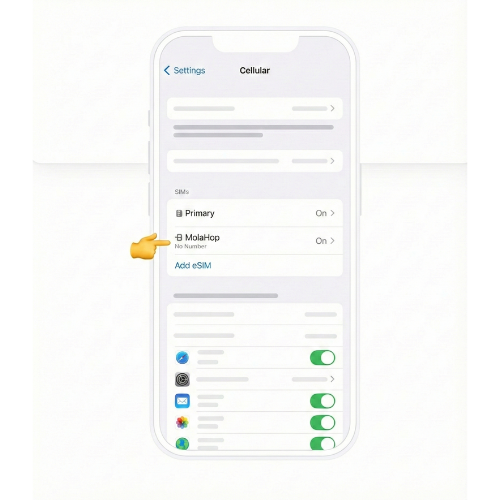
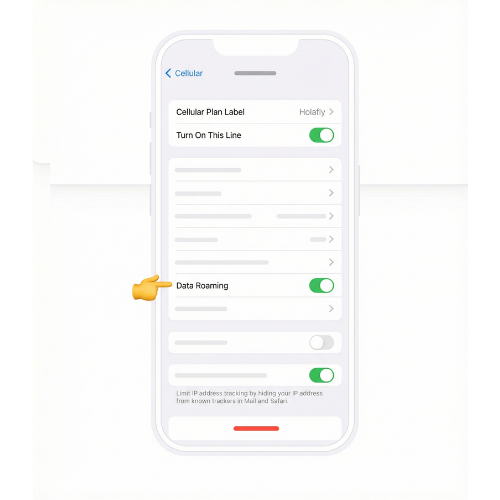

You can check in two ways:
If you have any questions during this process, remember we're here to assist you 24/7 through our Online chat.
